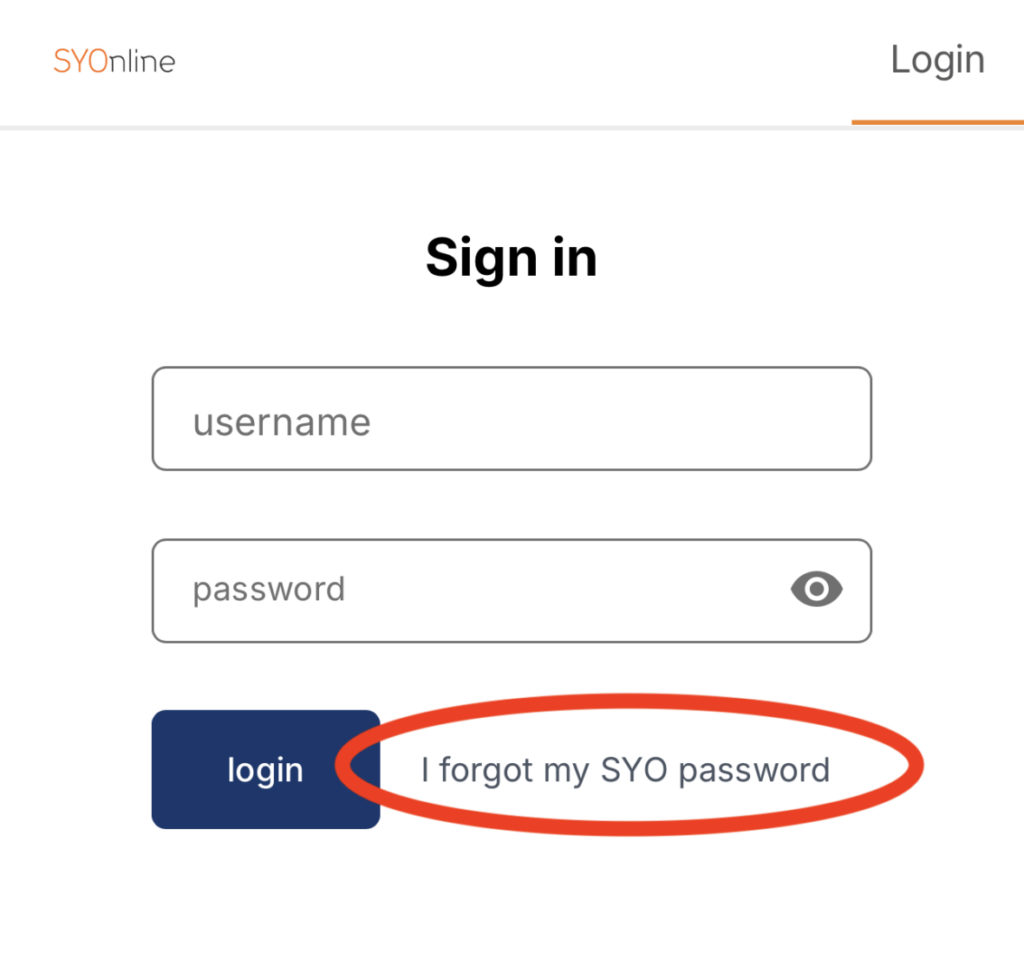
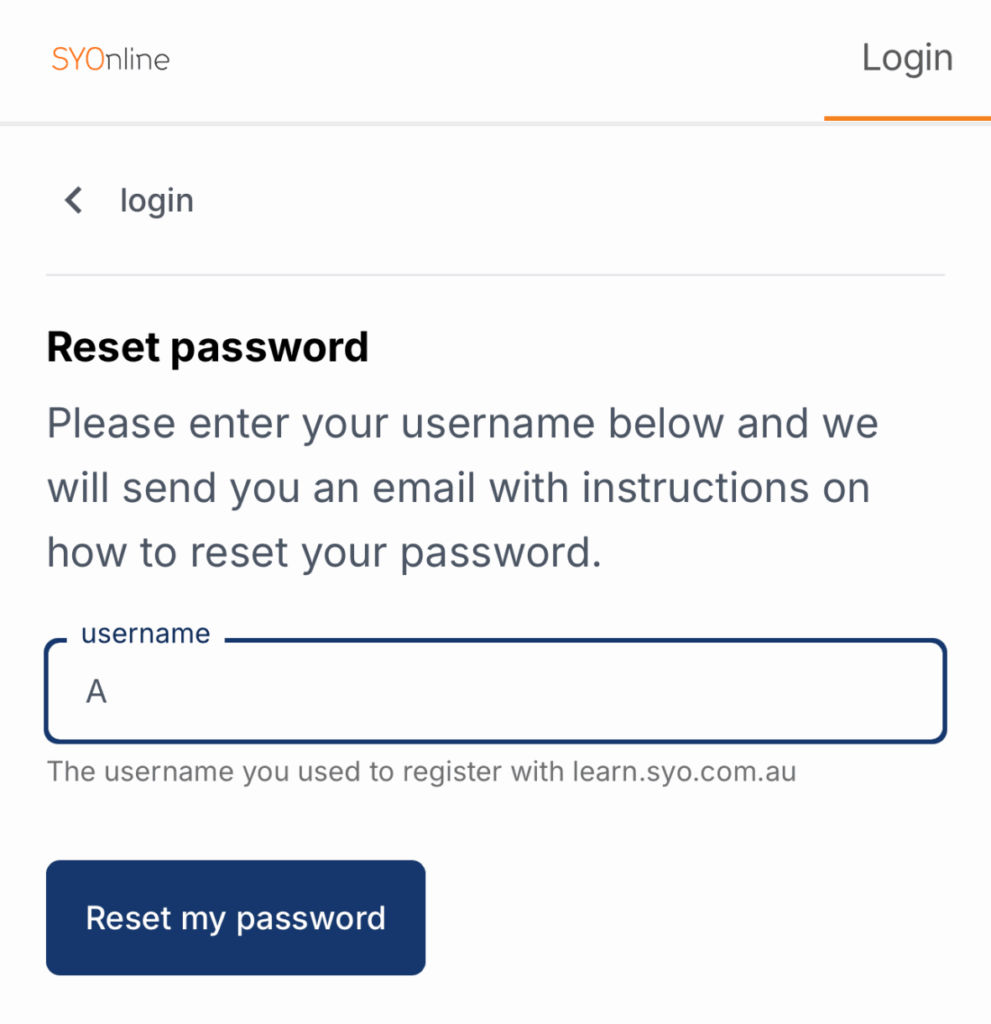
To log in to SYOnline you must enter a unique username and password. Your username has been provided in your ‘Welcome to SYO’ email but can also be found on the top right hand side of most emails sent from [email protected].1. To set your password for the first time please select ‘I forgot my SYO password’ underneath the login button.2. Enter the username provided to you in your ‘Welcome to SYO’ email. You should then receive an email with a link to set your password.3. Reload SYOnline, and log in.
COURSES
Once you are logged in you will see the SYOnline dashboard. It will have tiles for each course you are enrolled in.
Click on your course to see more.
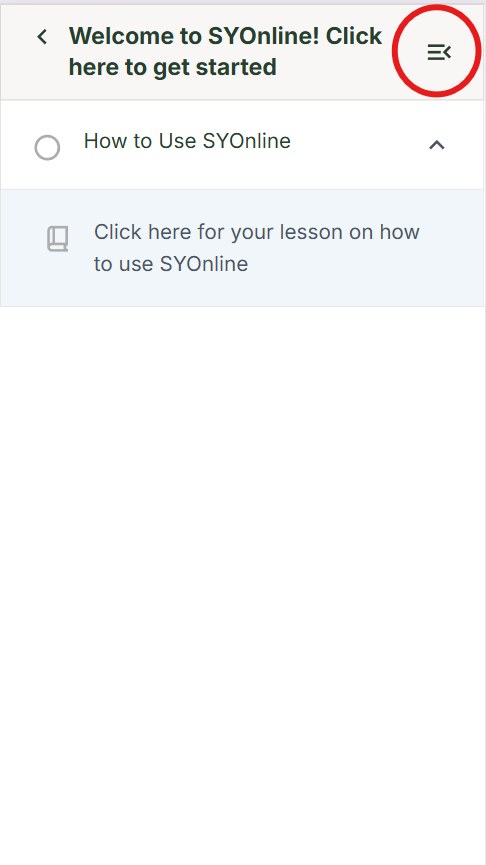
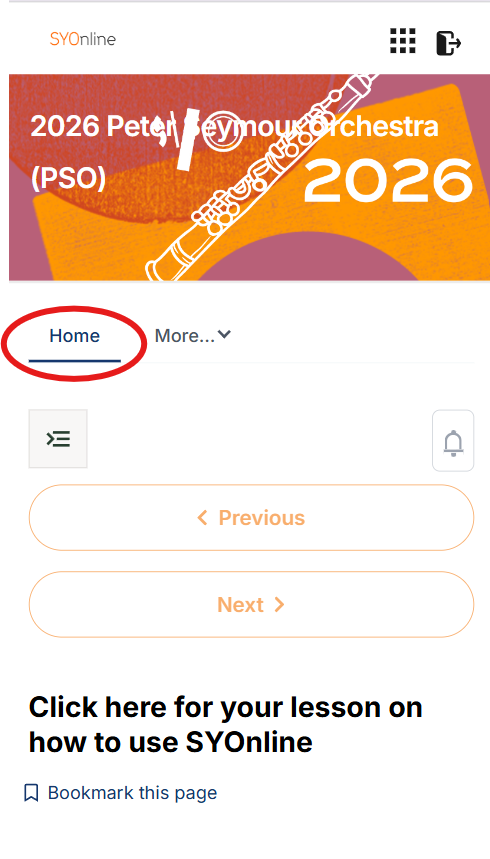
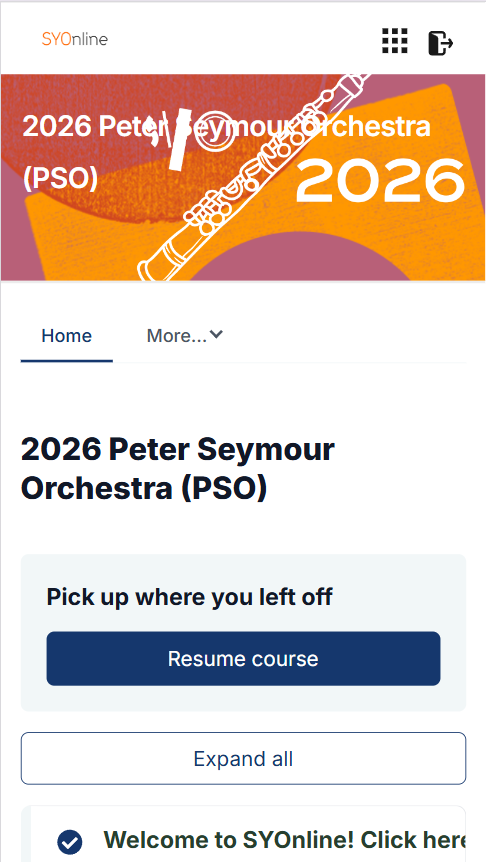
Once you are in your course, you be open to the contents of your homepage. Click the icon in the top right of your phone screen, then HOME to see the full homepage and navigate from here.
On a computer, simply click HOME.
Once you are in your course, this is your homepage.
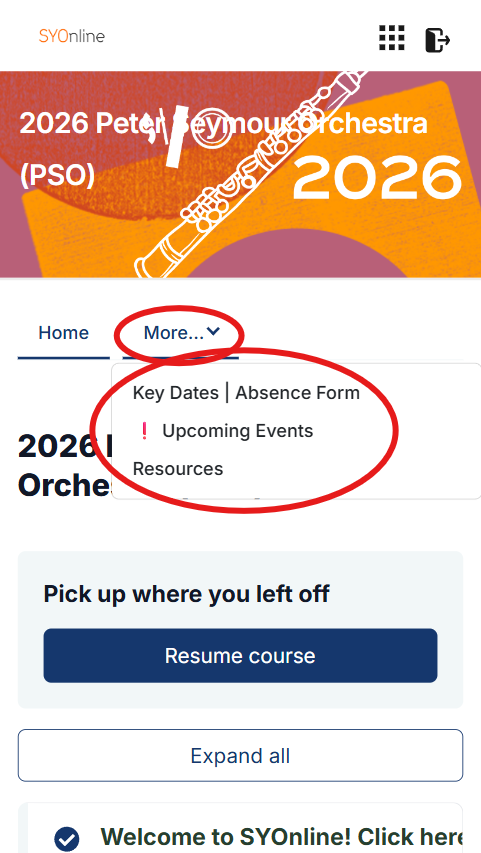
From your homepage you will be able to access: Updates, Key Dates, Attendance Requirements, the Absence Form, Resources and Upcoming Events.
Click the drop down MORE along the main bar to see all pages. On a computer, these will already be visable.
UPDATES
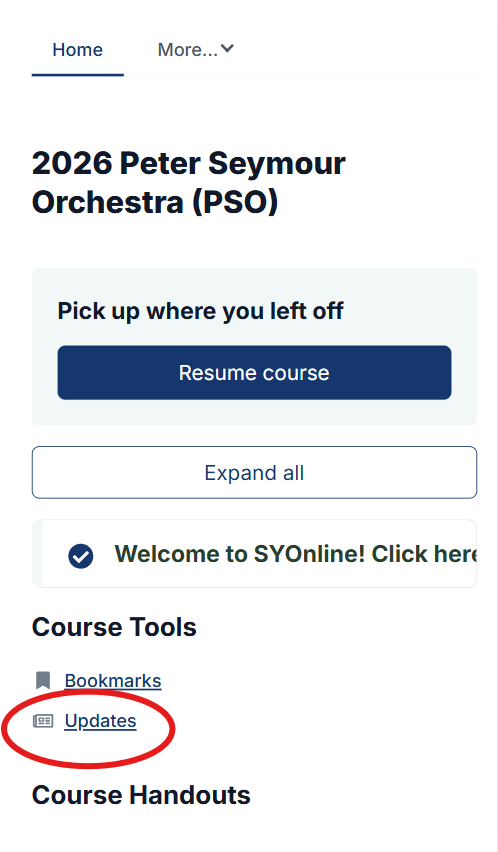
During the semester, you will periodically receive a notification via email letting you know that you have an update in SYOnline. You will find the update on your homepage under Course Tools. When prompted by an update, make sure you go to SYOnline to check for updates as they often contain important infrmation about the program.
KEY DATES
Along the main bar or under MORE (on a phone) you will find the Key Dates | Absence Form tab. All dates for the entire year can be found here! This includes rehearsals, concerts, tutorials and anything else relevant to your orchestras’ calendar.
You will also find your orchestras attendance requirements, location, time, conductor and the link to the absence form on this page.
If you have trouble viewing this in SYOnline, you should click the link under ‘Can’t see your page properly? Click here‘. It will take you to the page in your own browser.
ATTENDANCE AND ABSENCE FORM
SYO takes attendance very seriously. If ever you cannot make a rehearsal or event, you are required to fill out the absence form found here in your Key Dates | Absence Form tab.
RESOURCES
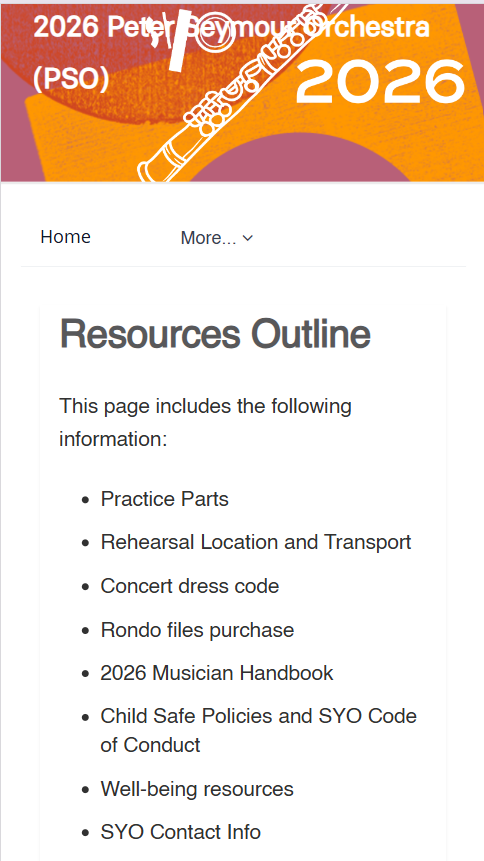
The ‘Resources’ page contains all additional information and documents you may need throughout the year. This page includes: practice parts, rehearsal location, concert dress code, Rondo File purchase, 2026 Musician Handbook, child safe policies and SYO Code of Conduct, well-being resources and SYO contact info.
UPCOMING EVENTS
Along the main bar, you will also find the Upcoming Events ! tab. Here you will find all information you need for upcoming events such as; Big Busk, Summer Showcase or Winter Showcase.
Get started in SYONLINE now! You can find your username in your ‘Welcome to SYO’ email, or on the top right hand corner of most emails from SYO.